BMSoft1024 Card
A digital business card and mini website on one link. Introduction, services, call, message, e-mail and save to contacts, shared with a QR code or NFC. Customers can also find you in the service provider search, and your data stays on your own Google Drive.
Features
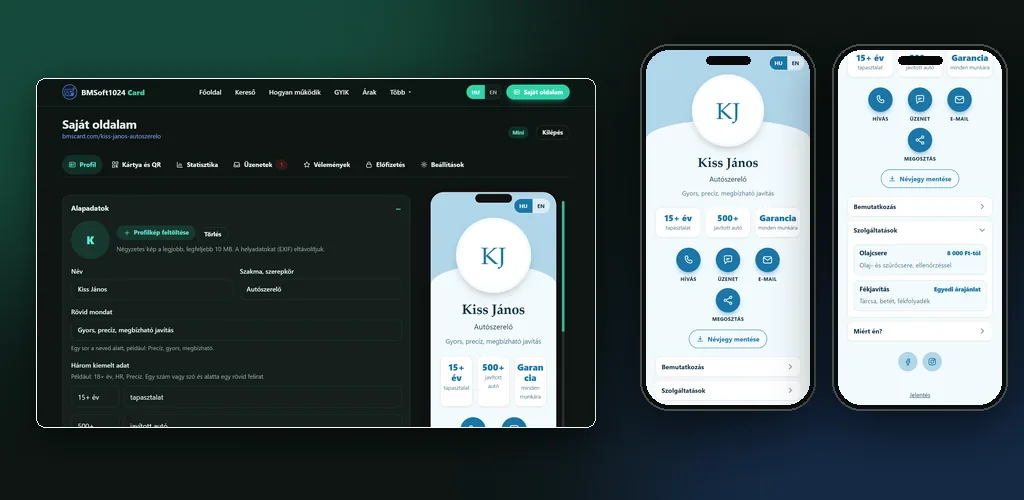
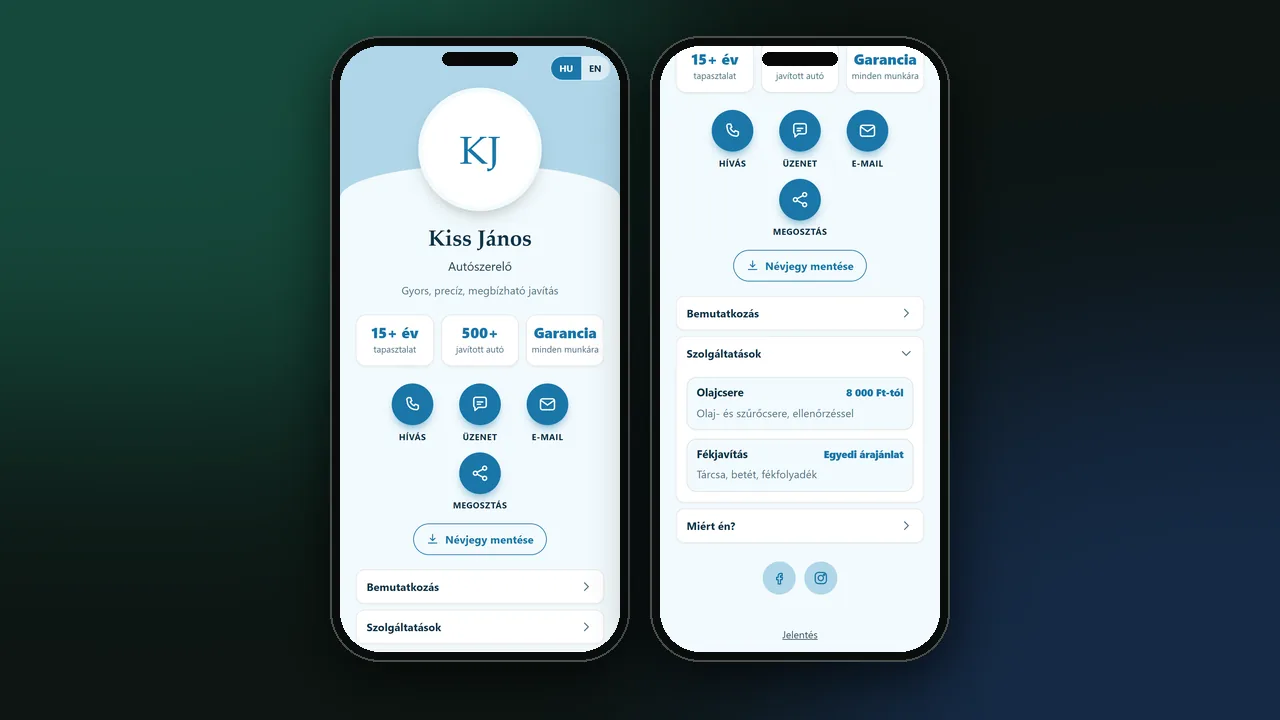
Introduction, services and a Why me? section in expandable rows, one open at a time. On a phone, visitors call, message, e-mail or share your page with one tap.
A downloadable QR code in PNG and SVG, ready for print. On Android you can write your link to an NFC tag straight from the page in Chrome. The QR code points to a redirect address, so the number of opens can be measured.
A one-tap vCard download, or scan it with a QR code, so visitors can save your details to their phone's contacts.
On Messenger, Facebook and LinkedIn your own business card shows under the shared link. Without an uploaded image, the page generates a preview from your name, profession and theme.
Customers search by profession, keyword and town. From the Pro plan you appear in the results, on Max with a highlighted spot and several towns. It works without an external map or paid service.
From the Pro plan, visitors can request a quote through a form. The message arrives by e-mail and in the panel, and is also saved to your own Google Drive. Spam protection and CSV export are included.
From the Pro plan, guests can write reviews, you approve them, and they appear with a star rating. You can also link a Google review button to the page.
Anonymously counted page opens, QR link opens and clicks, without storing visitor data. Detailed breakdowns from the Pro plan.
Up to 15 themes, a custom colour-mixed theme on Max, and a profile picture cropper. Custom link buttons (booking, web shop, price list) in the number your plan allows.
From the Mini plan, a media library on your own Drive: images in WebP, videos from a YouTube link, a Drive link or an upload. Show them in the introduction, on every service and in the Why me? points.
Google indexing is a separate switch. SEO data (JSON-LD) from the Mini plan, and questions and answers as structured data for search engines and AI assistants (AEO) from the Pro plan. Your address: apps.card.bmsoft1024.com/p/yourname, short form bmscard.com/yourname.
Your profile, images, messages and statistics are on your own Google Drive in a readable form. The site only reaches its own folder and cannot see your other files.
How it looks in practice
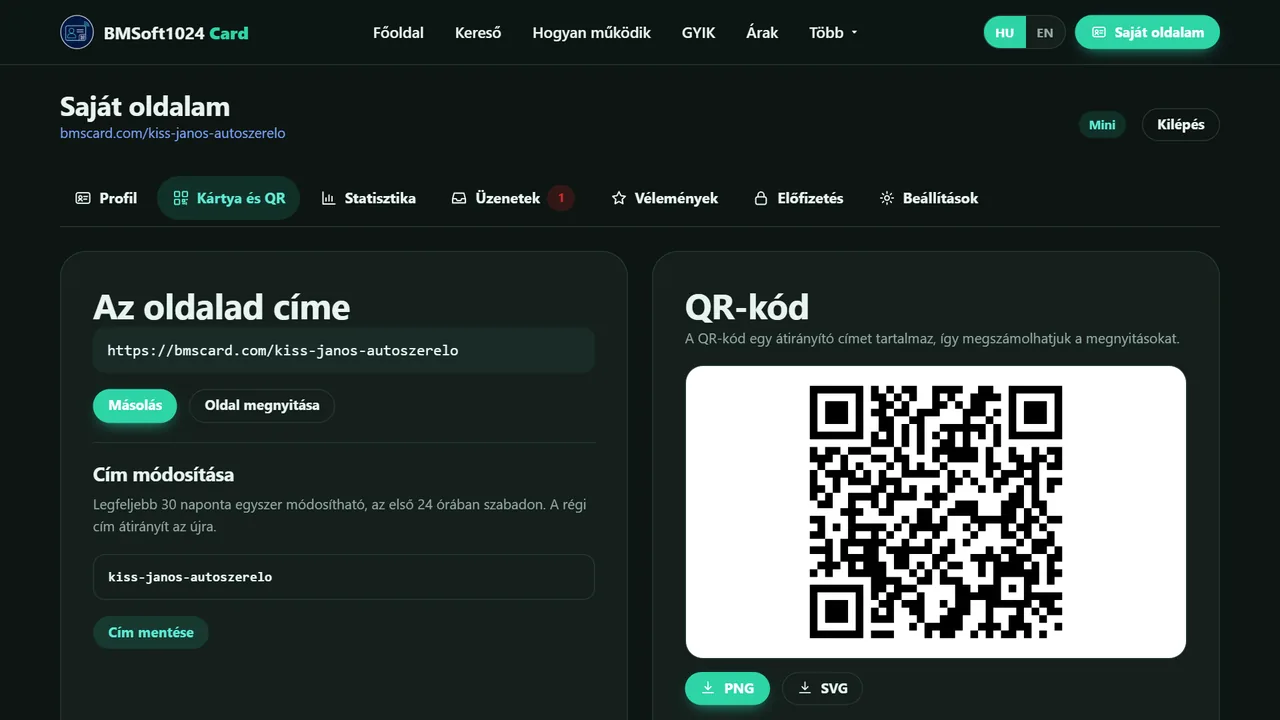
Four steps to your card
Sign in with Google
No separate password and no sign-up form. You allow the site to save into its own folder on your Drive, and it asks for no more access than that.
Fill in your details
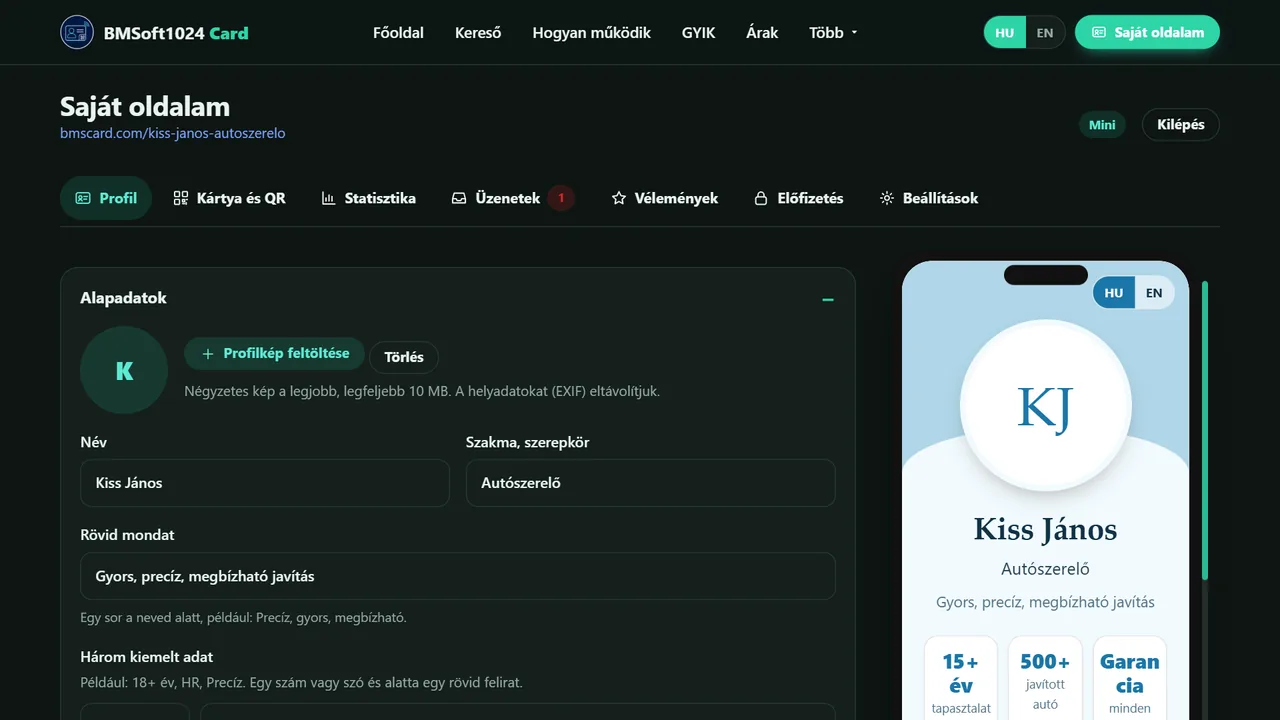
Name, profession, contact details, introduction and services. The address is suggested from your name, and next to it you see live how the page looks on a phone.
Choose the look
A theme, a profile picture, optionally your own business card image for the link preview, custom links and images.
Share it
A link, a QR code or NFC. Print it on your business card, put it in your e-mail signature, send it on Messenger.
Your data stays with you
BMSoft1024 Card does not keep your data in one central database. Your profile, images, messages, reviews and statistics are on your own Google Drive. The site's server only holds the public snapshot and a cache, which can be rebuilt at any time from your Drive data.
Your own Google Drive
Readable JSON files and images in the BMSoft1024 Card folder on your Drive. If the service ever shut down, your data would still be yours.
Minimal access
The site only sees the files it created itself (drive.file access). It has no access to the rest of your Drive.
You decide what is public
The page, its listing in the search and Google indexing are three separate switches.
Deletion and revocation
You can delete your account and public data with one button in Settings, and revoke Drive access in your Google account at any time.